Logs
Logs are a vital tool for monitoring, troubleshooting, and optimizing software projects. They provide important information about application execution, errors, and the overall status of the project.
How to Access Logs?
To access your project logs, you can click on the Logs tab in the project dashboard.
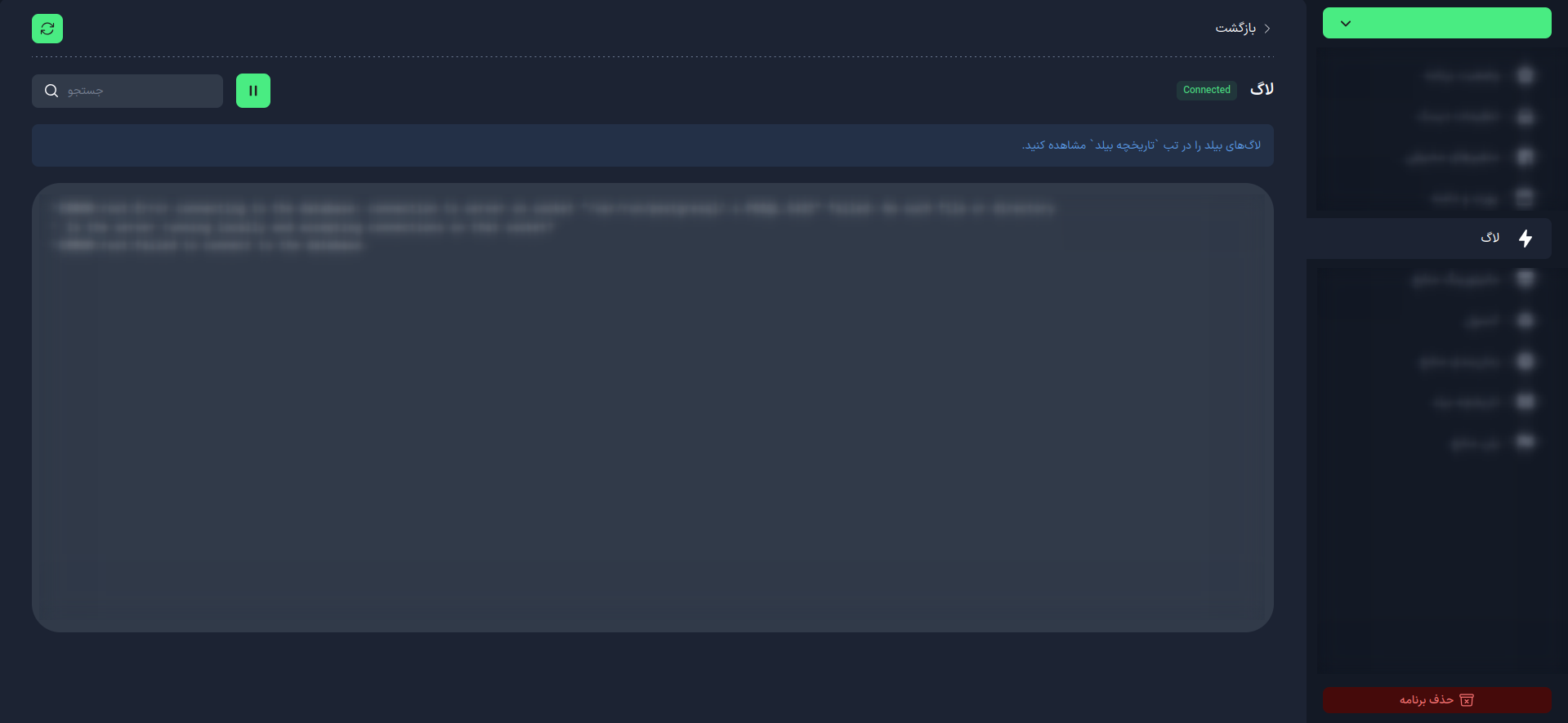
What Types of Logs Are Available in the Kubar Platform?
In the Kubar platform, there are two main types of logs available:
1. Project Build Log
- When Displayed: During project loading or rebuilding
- Content: Includes information about package installations, command executions, and any errors that may occur during the build process
- Accessing History: You can view previous build logs through the Build History tab
2. Project Run Log
- When Displayed: During project execution
- Content: Includes information about command executions, runtime errors, and access links to the project
How to Log in Your Projects?
To log messages, for example in Python applications, the standard logging library is a powerful and flexible tool.
import logging

logging.basicConfig(level=logging.DEBUG)

logging.debug('This is a debug message')
logging.info('This is an informational message')
logging.warning('This is a warning message')
logging.error('This is an error message')
logging.critical('This is a critical message')
caution
- Logging Levels: Use different levels (DEBUG, INFO, WARNING, ERROR, CRITICAL) according to the importance of the message.
- Log File Management: In larger projects, use a log rotation system to manage the size of log files.
- Sensitive Information: Be careful not to log sensitive information (such as passwords).
Proper use of logging can help you quickly identify and resolve issues, improve application performance, and gain a better understanding of its behavior in different environments.