Elasticsearch Connection Guide
Service Management
After creating the database, you will be redirected to the App Management page.
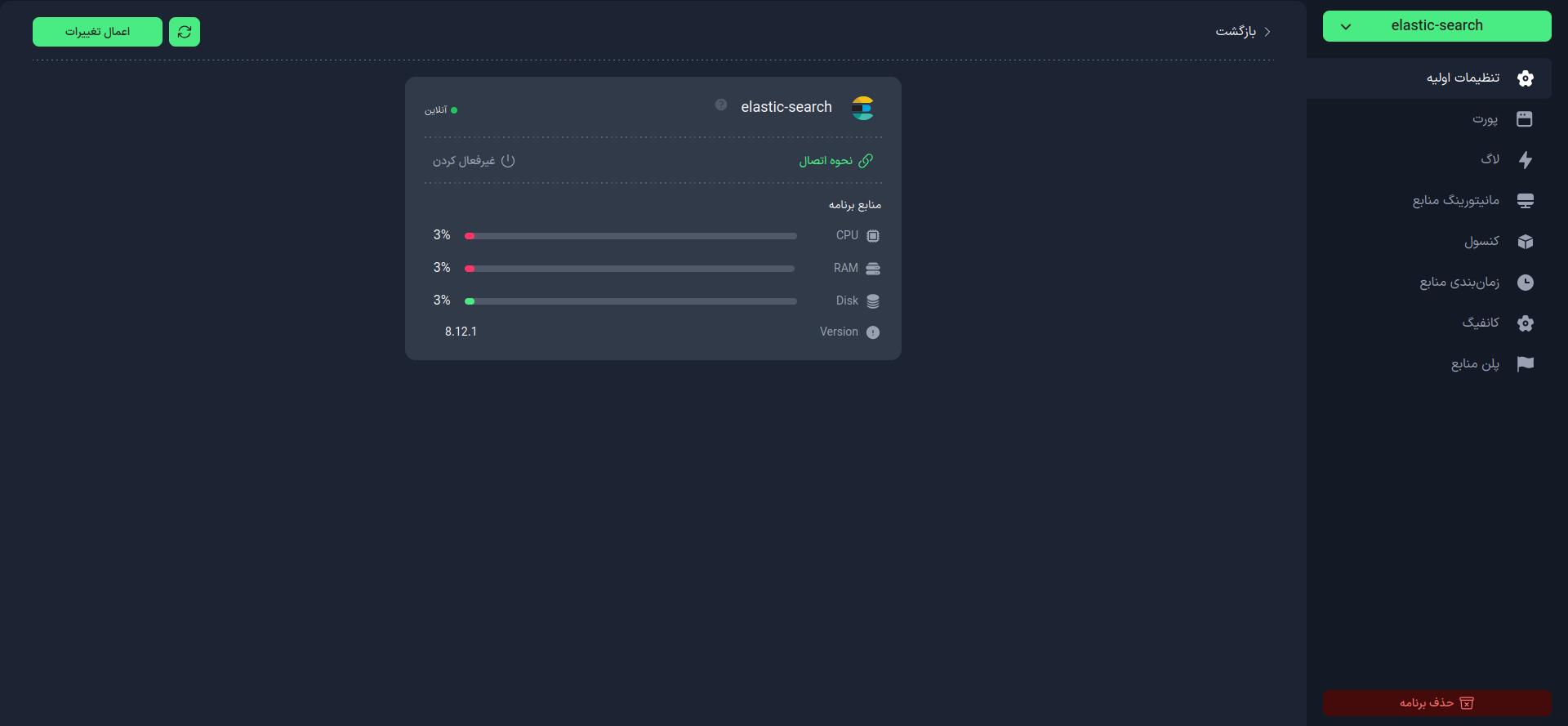
On this page, you can:
- Enable or disable your service
- View how to connect to the database service
- Customize the database configuration
Connection Information
Click on the Connection Method option in the Basic Settings tab.
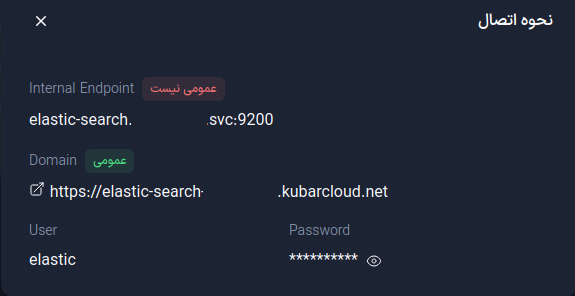
On this page, you will see the following information:
- Internal Endpoint: The internal address of your database
- Domain: The domain of the database for connecting to it
- User: The database username that has been automatically assigned
- Password: The database password that has been set either automatically or manually
Connecting to Elasticsearch
To connect to the Elasticsearch database, you can use various libraries such as elasticsearch in Python.
from elasticsearch import Elasticsearch

es = Elasticsearch(
    [Domain],
    basic_auth=([User], [Password])
)
info
- Elasticsearch uses the HTTP protocol for connection.