N8N Connection Guide
Service Management
After creating the service, you will be redirected to the App Management page.
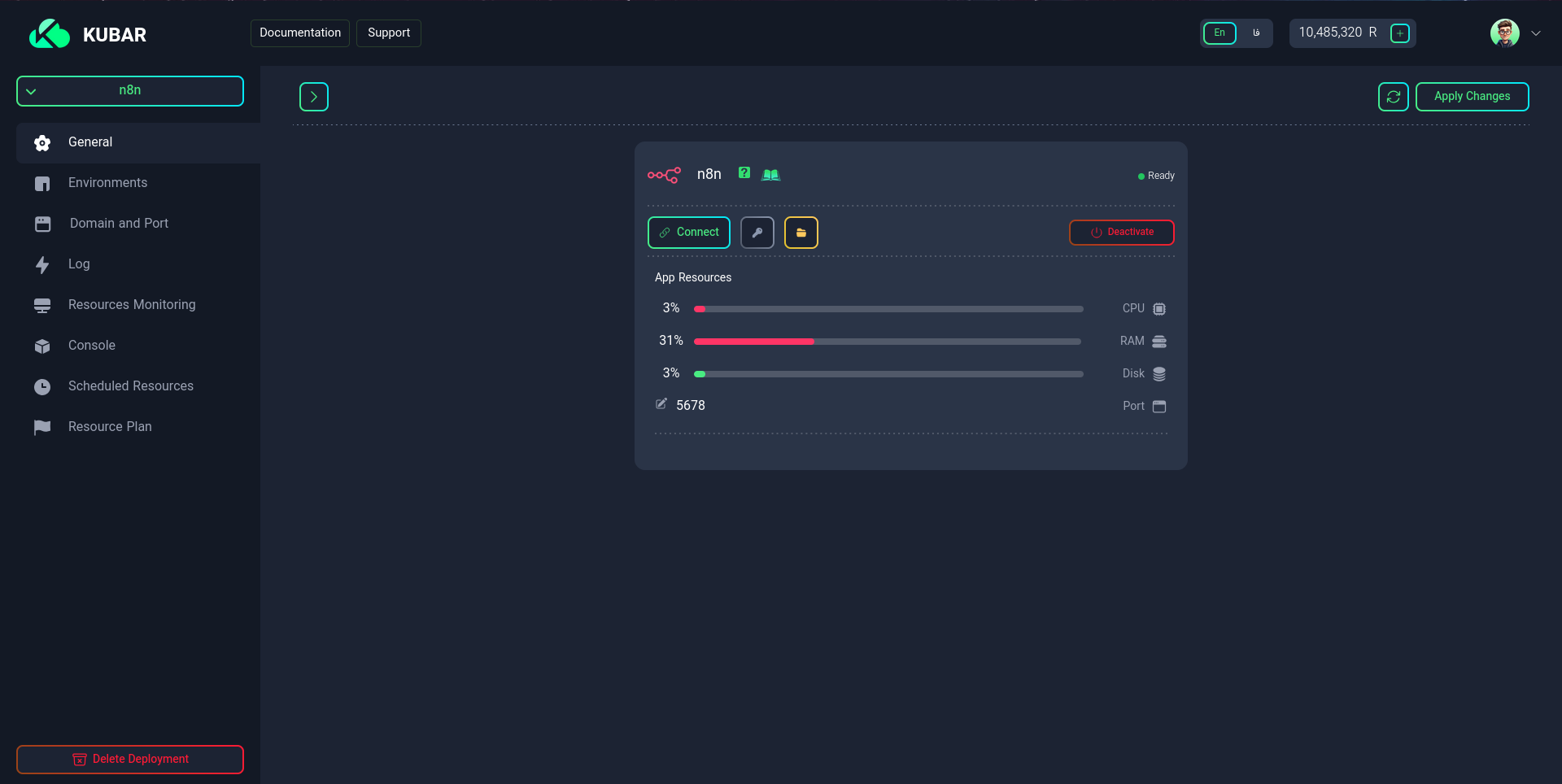
On this page, you can:
- Activate or deactivate your service
- View how to connect to the service
- Manage your app files
Connection Information
Click on the Connection Method option in the Basic Settings tab.
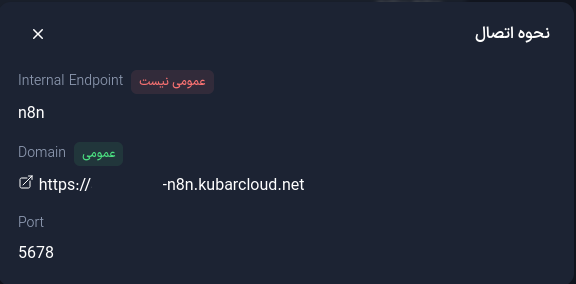
On this page, you will see the following information:
- Domain: The service domain for connecting to it
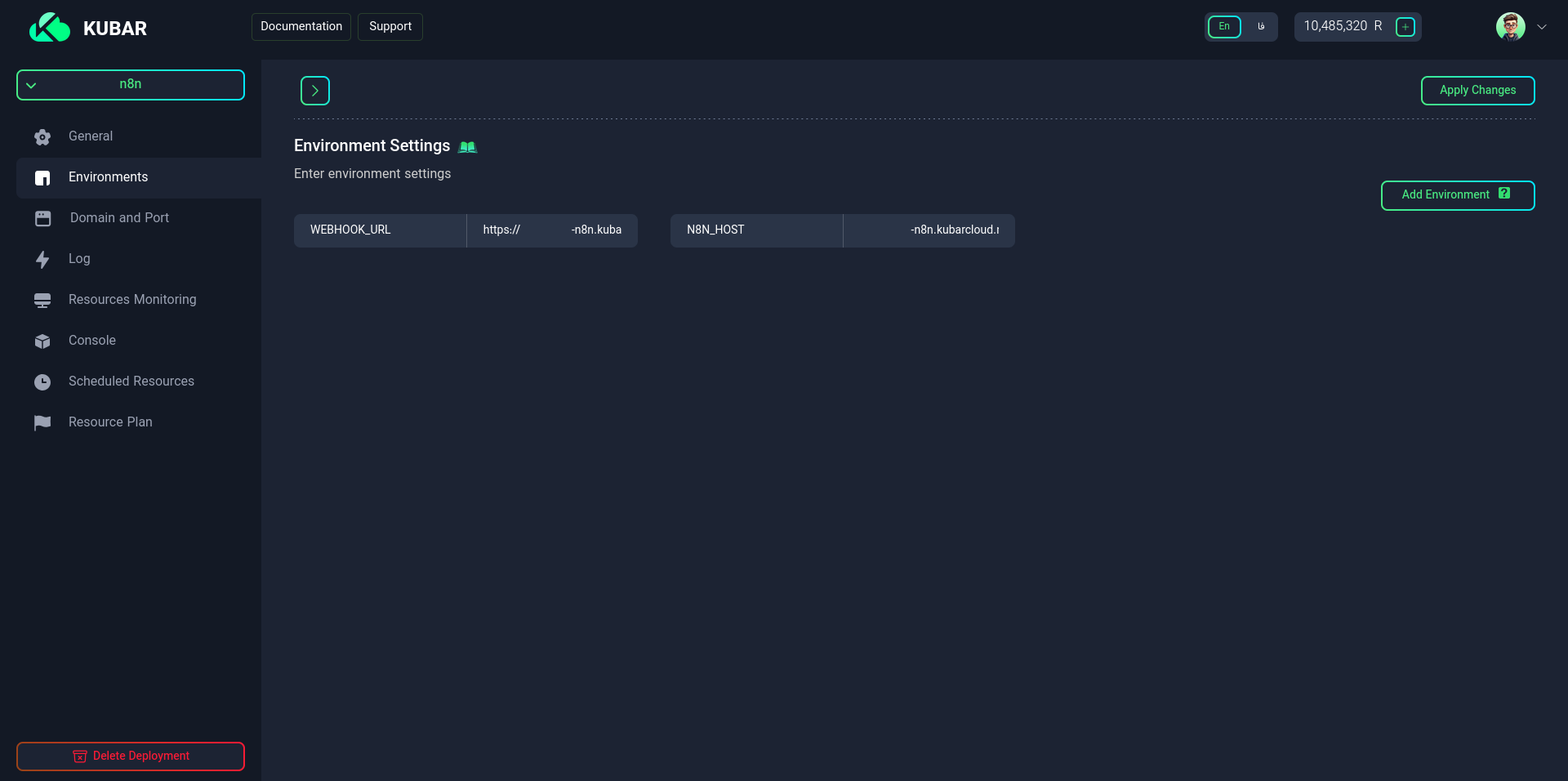
Setting Required Environment Variables
N8N_HOST
Purpose: Defines the domain or host address where n8n is running. This variable is essential for generating correct links in webhooks, CORS settings, and restricting access to authorized addresses.
N8N_HOST=your-domain.com
WEBHOOK_URL
Purpose: Defines the base URL for accessing webhooks from external services. This variable allows external services like GitHub, Slack, etc., to access n8n webhooks.
WEBHOOK_URL=https://your-domain.com/
Connecting
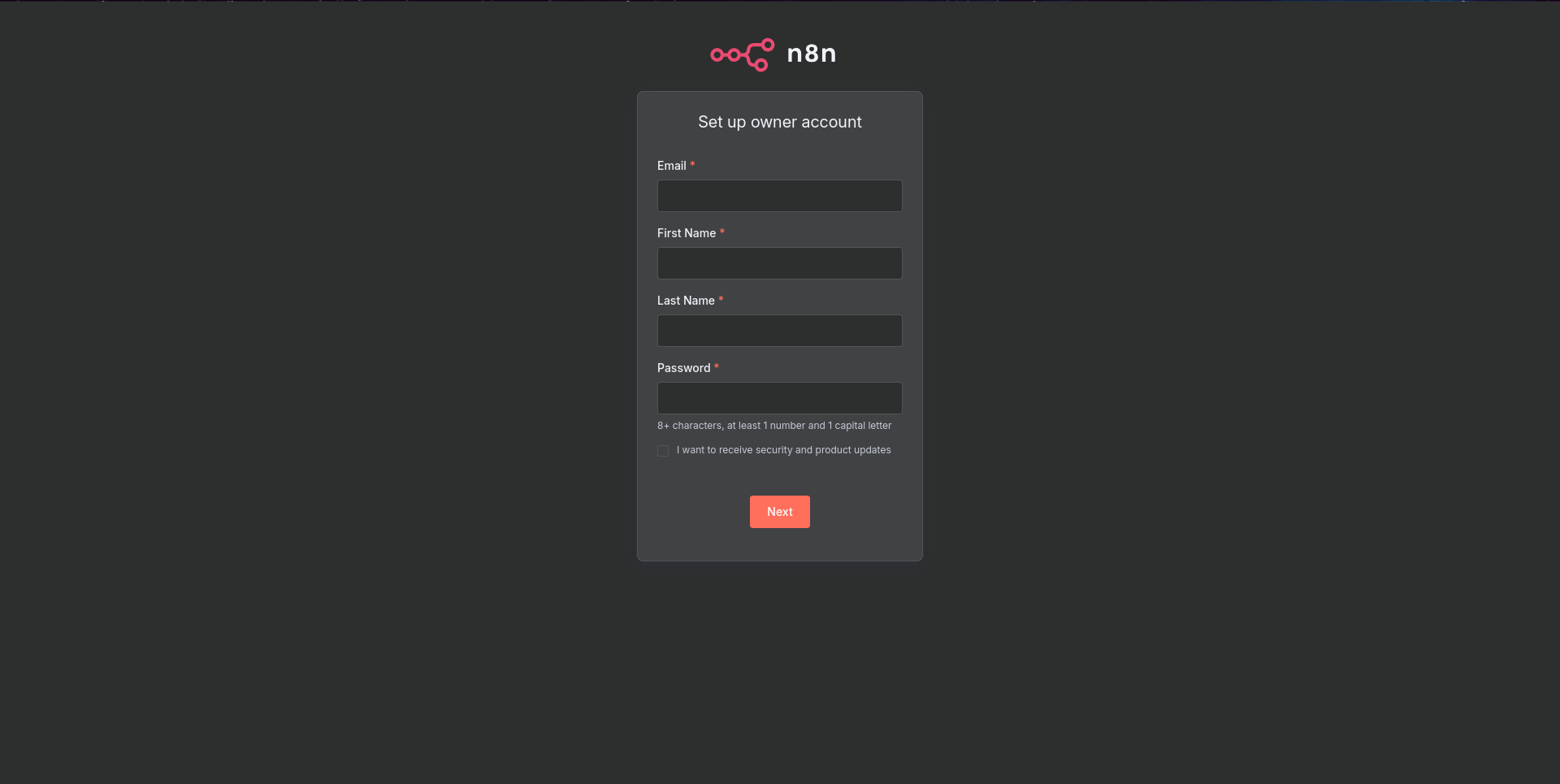
To connect to the N8N dashboard, click on the Domain and on the opened page, enter the following information for registration:
- First Name
- Last Name
- Password