Setup and Initial Configurations
Setup Steps
1. Create an Application
- On your dashboard page, click on the Create App option.
- In the Select App page, go to the One-Click Apps tab.
- Select the Gitea option.
2. Initial Settings
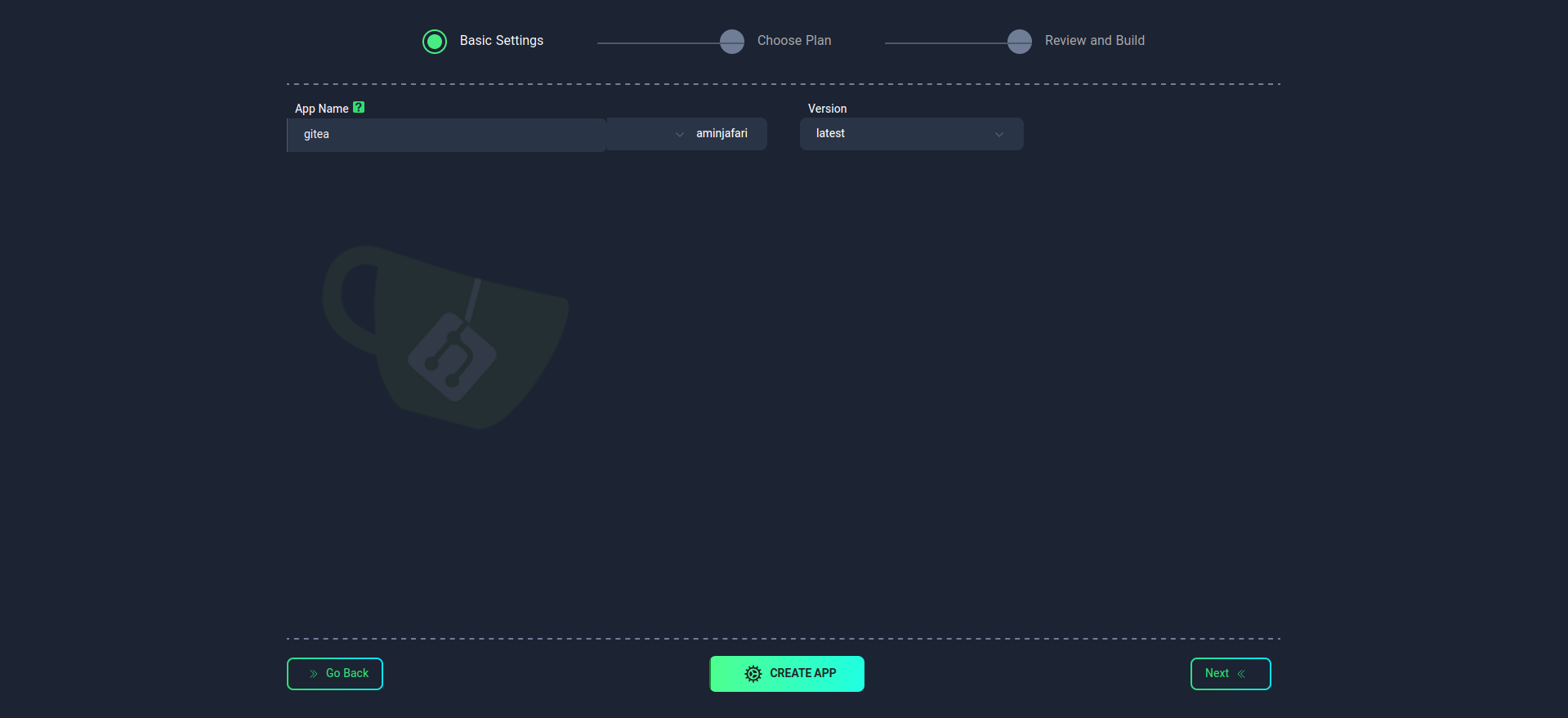
On the initial settings page:
- Enter the App Name. This name will be used in your Application domain and cannot be changed after the application is created.
danger
- Use lowercase letters and only use - as a separator between words.
- Version: Please note that the service version cannot be changed after the application is created.
3. Select a Plan
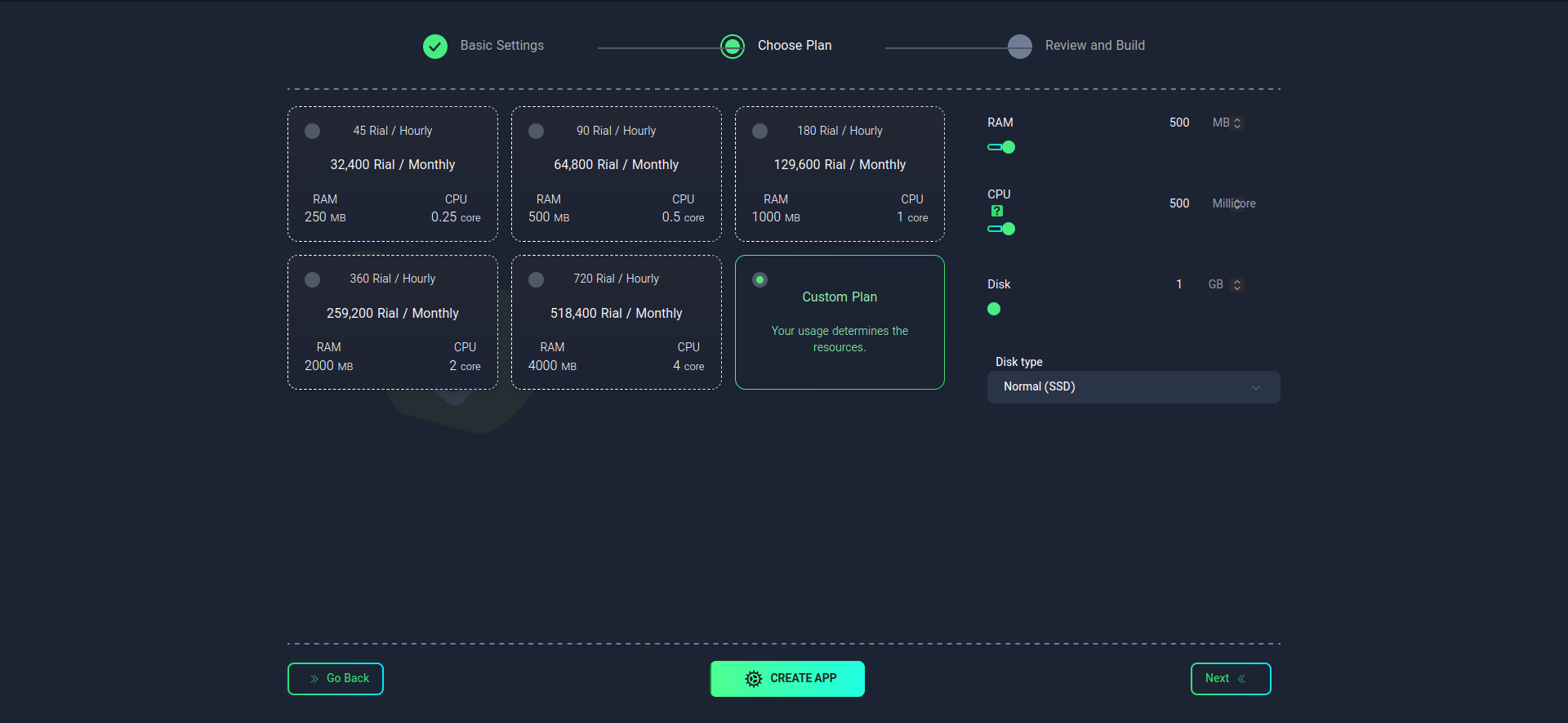
To determine the required hardware resources, choose one of the following methods:
- Use the suggested plans
- Manually configure the desired plan
caution
- The application name and its version cannot be changed after creation.
- Your selected plan will determine the performance and cost of the Gitea service.